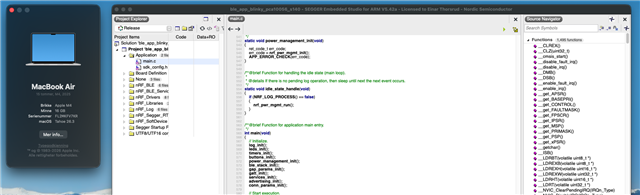
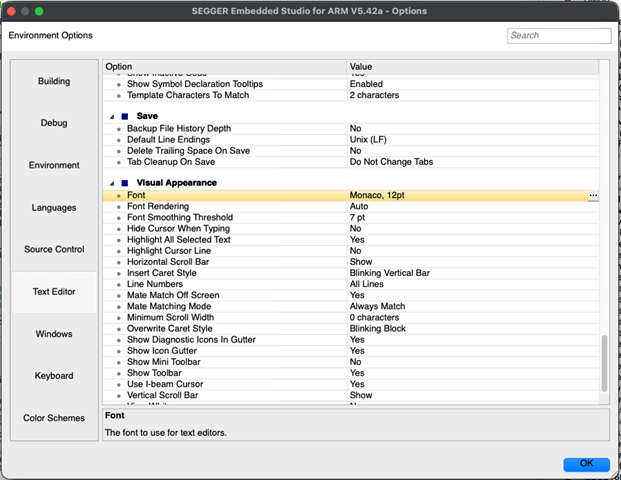
I'm kind of stuck here. I was using SES v3.52 on Mac OS Sequoia and everything worked fine. I upgraded my MacBook to Tahoe and all of the fonts were messed up making it un-usable. I went to Tools->Options to change them but when I press the Font button SES crashes.
So I put a message out on the Segger Forum for help, and they said they don't back-port any fixes and re-releasing older versions is not an option. Instead they suggested that I update to the latest SES version (8.26a at that time). I did this and it did indeed fix the font problem. Unfortunately my nRF52840 application will now crash every 40-60 seconds.
So I searched the Nordic DevZone site and found that the SDK that I'm using (nRF5_SDK_for_Thread_and_Zigbee_v4) was only tested against SES version 5.42a. So I loaded this version of SES, and I bet you can guess what happened...the fonts were messed up again and SES crashes when I try to change the font.
So now I'm stuck. My only option is to backup my computer, reload Mac OS Sequoia and forgo any Mac OS updates from here on out.
Can someone answer these questions:
A) Why does the exact same source code compile and run fine using SES v3.52 but crashes after compiled using SES v8.26a?
B) And is there any plan to support SES 8.26a with nRF5_SDK_for_Thread_and_Zigbee_v4?