Hello,
I'm following online courses in Nordic Academy (nRF Connect SDK Intermediate).
As indicated in the first lesson,first excercice, I added device_message_queue into the Watch View.
I didn't get the same rendering as on the screenshot attached to the lesson.
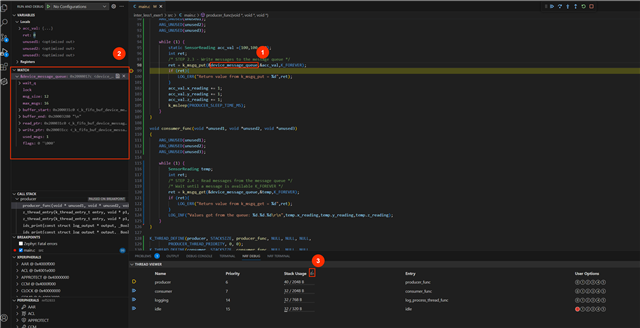
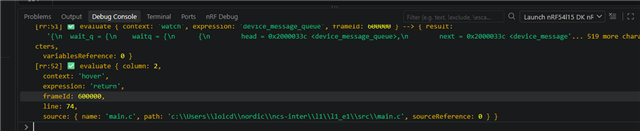
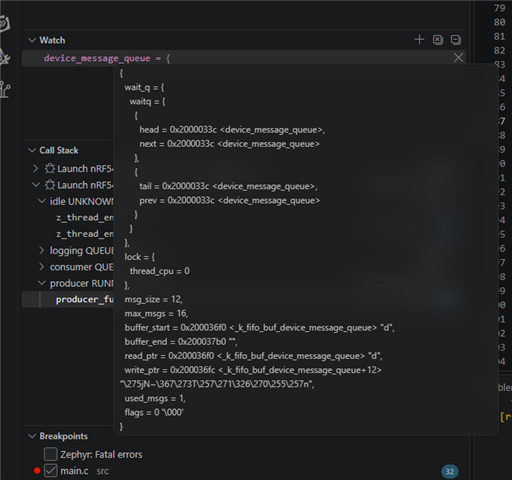
On my side, I get just a long line like this : {wait_q = {waitq = {{head = 0x2000033c <device_message_queue>, .... , used_msgs = 1, flags = 0 '\000'}

I have the little arow on the left of the variable name.
Did I miss an option somethee?
Thank you for your help!
Loïc