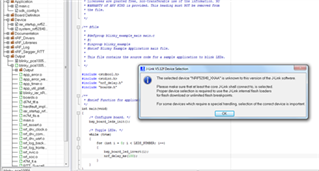
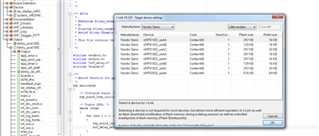
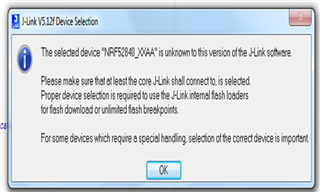
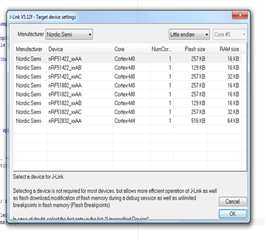
Hi, I am a beginner for NRF52840. I started with PCA10056 Board and installed SDK Version 13.0. I am using IAR embedded workbench. I started with blinky example and worked fine. After that to program softdevices I downloaded NRFgo studio and it detetcs my board with nRF52 Development dongles in device manager. when I click on the Nrf52 development dongles, Its shows a message like this.
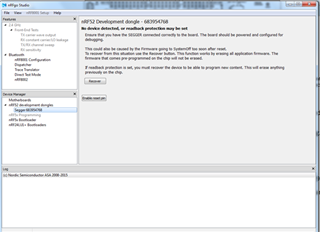
NO DEVICE DETECTED, OR READBACK PROTECTION MAY BE SET
Ensure that you have segger connected correctly to the board. The board should be powered and configured for debugging.
This could be caused by the firmware going to systemoff to soon after reset
To recover from this situation use the Recover Button.This function will works by erasing all application firmware. The firmware that comes pre-programmed on the chip will not be erased.
if feedback protection is set, you must recover the device to program a new content. This will erase anything previously on the chip.
I accidently clicked on Recover button which erase all application firmware. Now my led 1 is not blinking and the nrf52840 device is not detecting in the IAR while debugging THE BLINKY example. How to solve this problem?