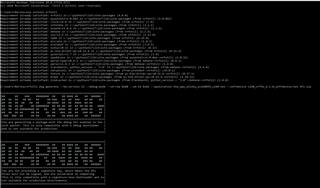
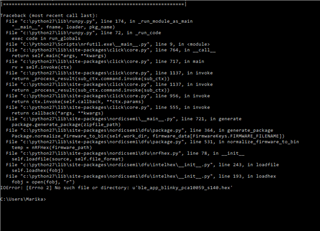
LIKE one of your collegue told me i tried to this...but it doesn't work on the dongle..
Dongle: SDK15.2.0\examples\ble_peripheral\ble_app_blinky\pca10059\s140\<your favorite compiler>
When you program the dongle, remember to also program the S140 softdevice while programming the dongle when you use nRF Programmer. It is located in SDK15.2.0\components\softdevice\s140\hex\s140_nrf52_6.1.0_softdevice.hex
When you program the dongle with both the application and the softdevice with nRF Programmer the green LED should turn on, meaning that it is advertising.
In particular have i to put on the donglefirst the softdevice or the example? anyway i tried end nrf_connect give me the same error twice:
''some of the hex files have overlapping data'': what could i do now?
thanks a lot for answers.