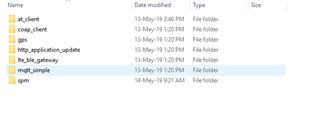
Do I need to run the secure boot sample before running the asset tracker application for the nrf9160dk?If so where do I find the secure boot Cmake files.I can't find them in my samples folder.
Secure Boot has now been renamed to SPM. What tutorial are you following?
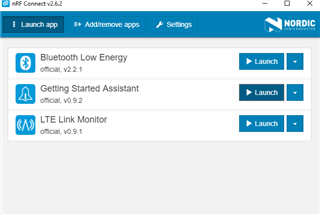
Please follow the Getting started Assistant in nRF Connect for Desktop. (Not the same as nRF Connect SDK (NCS)) After installing, please start the program and click "Add/Remove Apps". This menu will allow you to add the "Getting Started Assistant (v0.9.2)". Following the assistant will ensure that you have the latest version of NCS.
When compiling using the latest version NCS, both SPM and the sample you want to program are combined into one .hex (multi-image) file that you can program. See this link for more information information. Be aware that Segger Embedded Studio 4.16 does not support debugging multi-image projects,
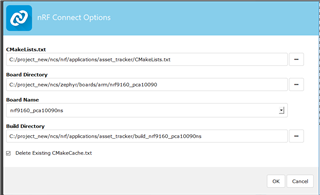
In Segger Embedded Studio 4.16, go to File -> Open nRF Connect SDK Project. Make sure to choose nrf9160_pca10090ns under board name. This should solve your issue.