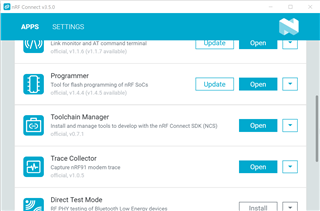
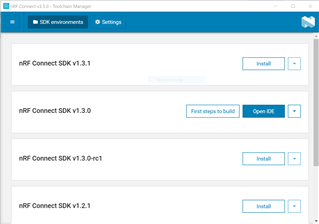
- Start SEGGER Embedded Studio by clicking Open IDE //Successfully installed, what means Open IDE ? ? ?
- Select
File → Open nRF Connect SDK Project… //it just dont appear in the drop down menu - To import a project into SES, you must specify the following information: I dont understand what to do here ?
- CMakeLists.txt - the location of the
CMakeLists.txtproject file of the sample that you want to work with
i.e.C:\Users\ZIEGER\ncs\v1.3.1\zephyr\samples\basic\blinky\CMakeLists.txt
- CMakeLists.txt - the location of the