This post is older than 2 years and might not be relevant anymore
More Info: Consider searching for newer posts

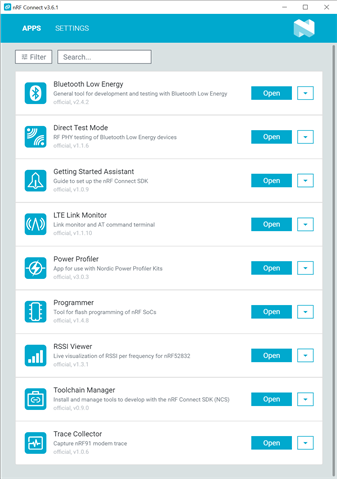
nRF Connect Desktop apps are not working

Using: Windows Pro 10.0.19041 Build 19041

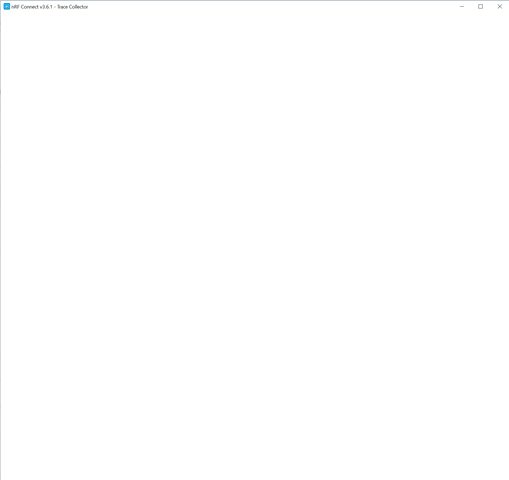
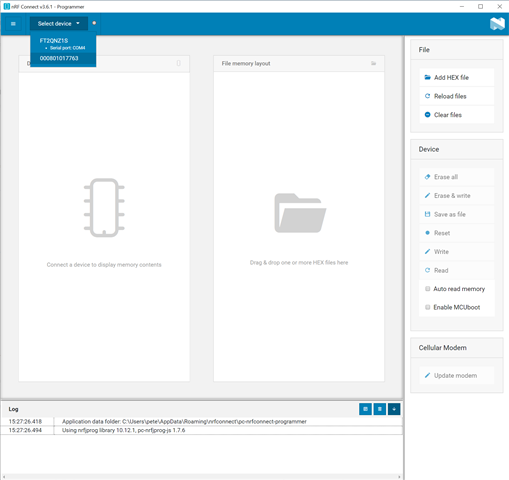
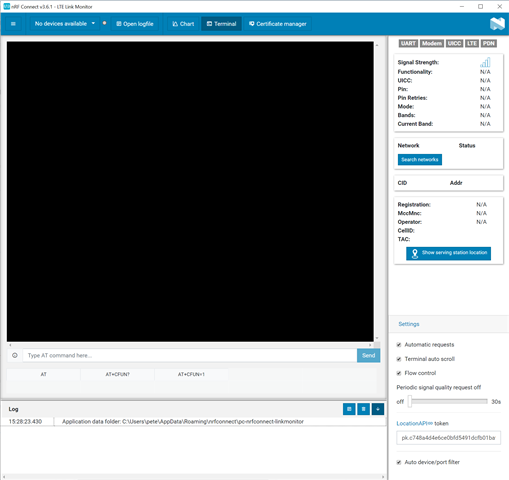
I'm trying to run Trace Collector for an issue with the nRF9160 and FOTA.  I go to run the Trace Collector and it starts, but says No Devices Available.  I turned off Auto device/port filter and  the whole window went blank.  I restarted it and see some features briefly within it, but then the whole window goes blank and nothing responds.  I uninstalled Trace Collector, reinstalled it – no change.  I uninstalled all of nRF Connect – no change.  I can run Programmer and it sees a device, but LTE Link Monitor doesn’t.  Any ideas?  Are there any registry settings I need to clear?
         

Parents
  • Hello, 

    Do you have a nRF9160 DK or Thingy:91 available to test if they work as intended? From some of your other support cases I see that you are using a custom board, have you configured the UART correctly?

    The devices that show in the Programmer app, what are they? When using a nRF9160 configured with UART, the COM port should show in the LTE Link Monitor. Have you tried with another serial monitor, e.g. Putty?

    Kind regards,
    Øyvind

Reply
  • Hello, 

    Do you have a nRF9160 DK or Thingy:91 available to test if they work as intended? From some of your other support cases I see that you are using a custom board, have you configured the UART correctly?

    The devices that show in the Programmer app, what are they? When using a nRF9160 configured with UART, the COM port should show in the LTE Link Monitor. Have you tried with another serial monitor, e.g. Putty?

    Kind regards,
    Øyvind

Children
Related