

Hi Nordic Team,
I've modified the DTM app to use USB CDC, I used a serial terminal to manually send commands, e.g. set tx power command, it worked fine. But it didn't work when I use nRFGo studio, I got the error "an error has occurred in the serial connection". I tried to debug the DTM application, I found APP_USBD_CDC_ACM_USER_EVT_PORT_OPEN event was not even triggered before the error occurred.
Do you have any idea?
The nRF Connect only recognize JLINK USB, I can't find my USB CDC on the "Select device" menu
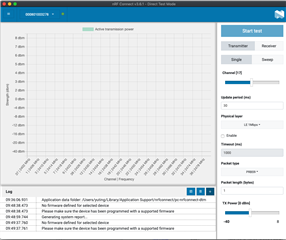
The following is the source code.
Best Regards,
Eugene

