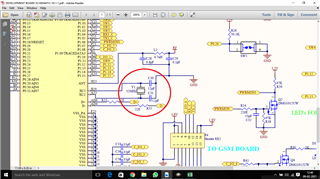
We have developed a PCB using nrf52840 controller. It's a brand new controller. I am using SEGGER embedded studio for programing.
I have flashed an example code ble_app_blinky_pca10056_s140 on the controller,.
This code isn't working on this controller. there is no problem in flashing the code but it's not working.
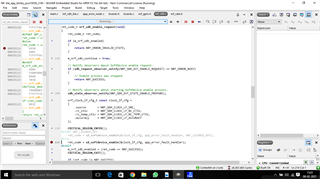
In above picture is the last location where code stops working.
This is mine main function
int main(void)
{
// Initialize.
log_init();

nrf_gpio_cfg_output(Led1);
nrf_gpio_cfg_output(Led2);
nrf_gpio_cfg_output(Led3);
nrf_gpio_cfg_output(Led4);
nrf_gpio_pin_write(LEDBUTTON_BUTTON, 1);

//leds_init();
timers_init();
//buttons_init();
power_management_init();
ble_stack_init();
gap_params_init();
gatt_init();
services_init();
advertising_init();
conn_params_init();

// Start execution.
NRF_LOG_INFO("Blinky example started.");
advertising_start();

// Enter main loop.
for (;;)
{
idle_state_handle();
}
}
Is this happening because of soft devices?