

Hello
I have built a custom board using an nrf52810 chip and have been trying to upload some examples from the nrf52SDK (specifically BLE examples with the s112 SoftDevice) within Segger Embedded Studio. I am using the JLink interface on an nrf52840-DK to connect to the board.
The examples I have tested seem to work absolutely fine when debugging. I can upload the SoftDevice hex and firmware elf files, step through line by line and print stuff to the debug terminal. The device appears If I scan using the nRF Connect app on my phone.
However, if I select 'Build and Run' from the Build menu in ses, the code uploads fine but doesn't seem to run because the device doesn't appear on nRF Connect. If I power cycle the device the result is the same.
I've been looking through similar posts on this forum and have tried the following:
- change LF clock source from XTAL to RC (as my board doesn't have an LF crystal) in sdk_config.h
- remove the CONFIG_GPIO_AS_PINRESET define
- upload the prebuilt hex file using nrf Connect app on my Desktop
According to nrf Connect, the hex seems to have been uploaded correctly and the board is correctly identified as an nrf52810:
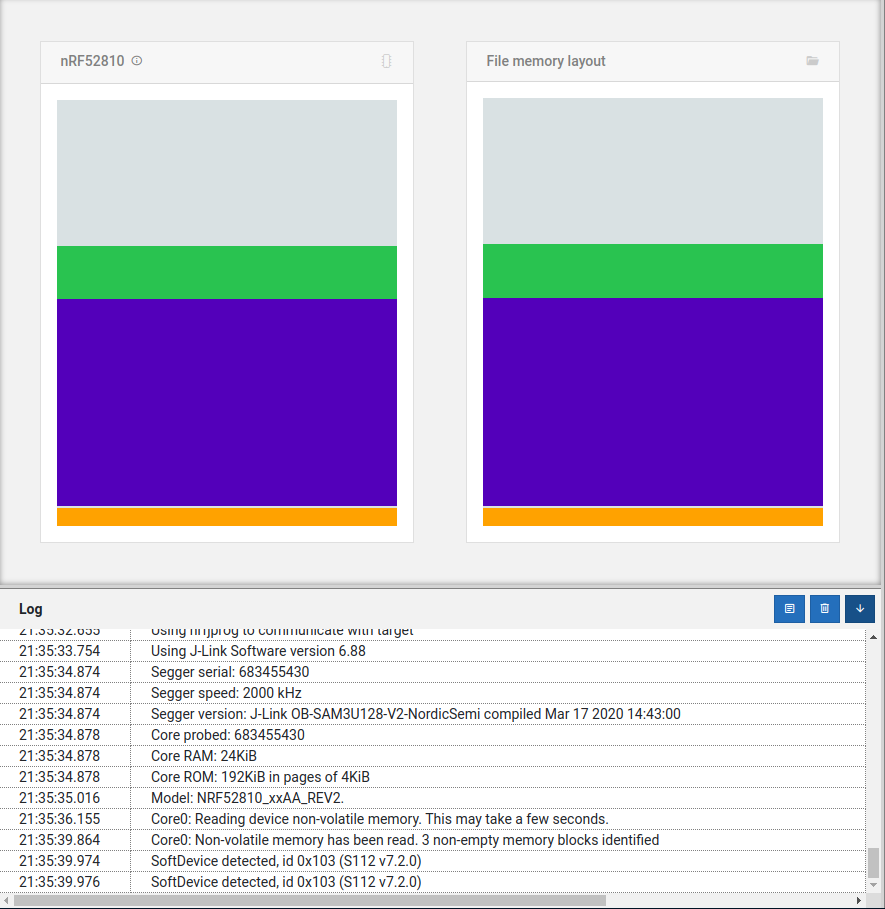
I'm sure it must be something very simple I've overlooked. Any help you can offer would be very much appreciated.
Thanks

