I'm using nRF Connect v1.5.0, Zephyr, and Segger Embedded Studio (SES) to develop an application I'm testing on nRF5340-DK.
I have a project that compiles and runs. But now I want to include MCUBOOT so I can eventually add in FOTA updates.
My understanding is that I only need to add "CONFIG_BOOTLOADER_MCUBOOT=y" to prj.conf and rebuild the solution to include MCUBOOT in the project.
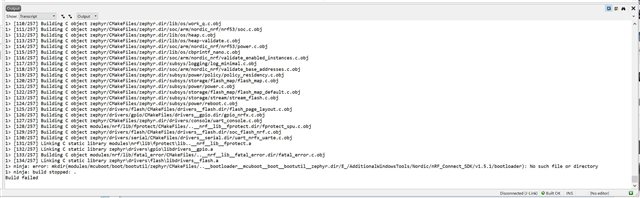
I added the statement to prj.conf, ran Cmake in SES, then attempted to rebuild the project/solution, but the build fails.
The error message seems to indicate that it can't find a file, but it looks like the path listed in the error message may be malformed. The first part of the path looks like it proceeds down through the build directory hierarchy, but then the "relative back-a-directory" attempts to traverse a directory that doesn't exist. The path ends with the install directory where nRF_Connect SDK is installed (E:/AdditionalWindowsTools/Nordic/nRF_Connect_SDK).
Is there some other parameter I need to set to get MCUBOOT included in my project?
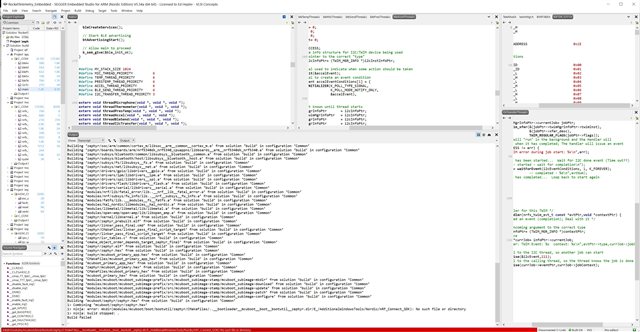
Here is a screen capture showing the error:
Thanks!