The person best fitted to answer this is out of office at the moment. But I found some other links that may be helpful:
https://devzone.nordicsemi.com/f/nordic-q-a/69475/how-do-i-debug-free-rtos
https://devzone.nordicsemi.com/search?q=freertos%20systemview#serpgroup=17
Are they still out of office? I have already looked at these links and tried out to no avail
You have the definition of that in SEGGER_SYSVIEW_FreeRTOS.c which is available in your zipped project folders. Add that one too to the project folder as you did with the SEGGER_SYSVIEW.c
Okay it seems to build fine now. Appreciate your help!
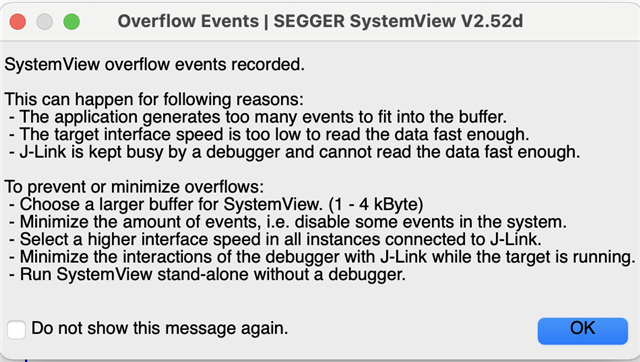
Though I see an overflow occurring when I run my app. I increased the RTT buffer size to 4kB to no avail
#define SEGGER_SYSVIEW_RTT_BUFFER_SIZE 1024 * 4

Select the higher interface speed with the Segger should increase the chances for this to work. Seems like your application is now logging a lot of events that Segger is not able to process at the speed that is by default selected.
In SystemView, try Target ->Recorder Configuration->JLink->Interface Speed and increase until this works for you.
I couldn't find Recorder Configuration under Target
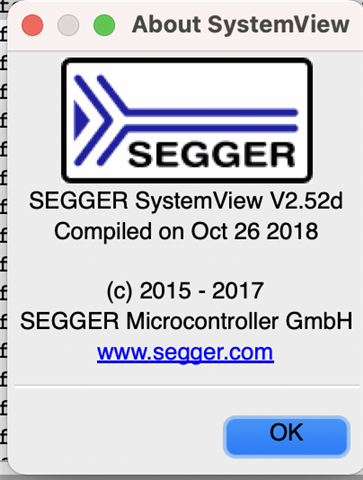
Here's the version i'm using:

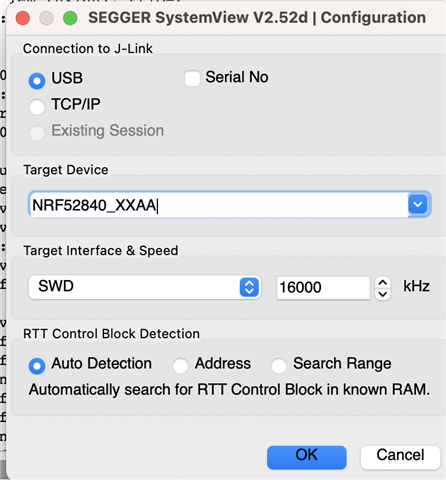
However, I increased the interface speed to 16MHz and still no luck.

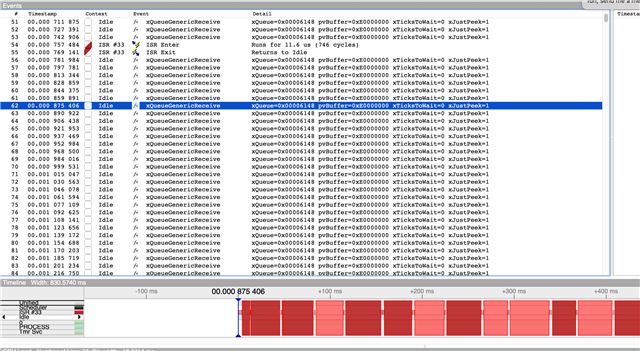
Here, I do see a series of xQueueReceive being invoked quite often. This potentially could be causing an overflow though do you see what could cause xQueueReceive to be invoked that frequently?

The Queue usage is purely application specific seems like the queue is not empty that often keeping this mainThread alive most of the time and not blocking overflowing the SystemView buffers. Probably there is a config in the Systemview settings but i did not find it.