This post is older than 2 years and might not be relevant anymore
More Info: Consider searching for newer posts

Firmware update for Thingy 91

I cant seem to get the Thingy 91 into boot MCU mode, so that I can update it to the latest firmware.
No matter how many times I try turning the unit off and powering up with the larger press button held down, the firmware programming returns an error complaining that the unit is not in BootMCU mode.

Is there anything else I could try?

Parents
  • Hello Andrew,

    Andrew8691 said:
    Ive tried with the original asset tracker (hex, not debug) -

    Yes, I would have recommended you to use the Asset Tracker v1 as well, so that is good.

    Andrew8691 said:
    - but I still get an error when trying to add the device in Nrf Cloud.

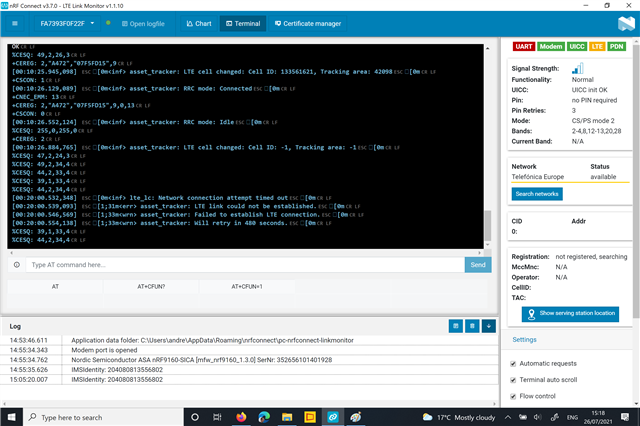
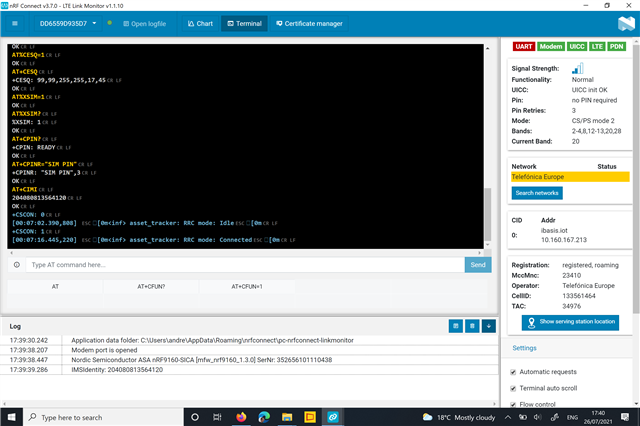
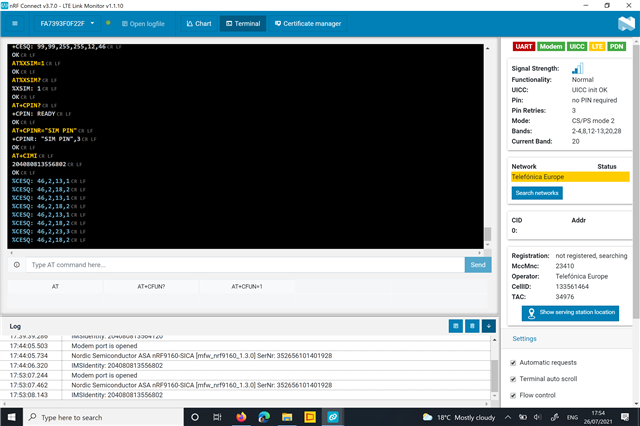
    Is it the first time you add this device to the nRF Cloud, or have you done this before? Are you making sure that the Asset Tracker application has reached point 7 before adding it to the nRF Cloud, as described in the Testing chapter? It is very important that the device has established a connection before adding it to the nRF Cloud, otherwise it will not be approved.

    Regards,

    Markus

Reply
  • Hello Andrew,

    Andrew8691 said:
    Ive tried with the original asset tracker (hex, not debug) -

    Yes, I would have recommended you to use the Asset Tracker v1 as well, so that is good.

    Andrew8691 said:
    - but I still get an error when trying to add the device in Nrf Cloud.

    Is it the first time you add this device to the nRF Cloud, or have you done this before? Are you making sure that the Asset Tracker application has reached point 7 before adding it to the nRF Cloud, as described in the Testing chapter? It is very important that the device has established a connection before adding it to the nRF Cloud, otherwise it will not be approved.

    Regards,

    Markus

Children
Related