nRF Connect for Desktop can't find device nRF52840-Dongle and PPK2.

On Windows 7 64 after update to 3.8 (and 3.9)  nRF Connect for Desktop the Bluetooth Low Energy and Power Profiler can't find device nRF52840-Dongle and PPK2.
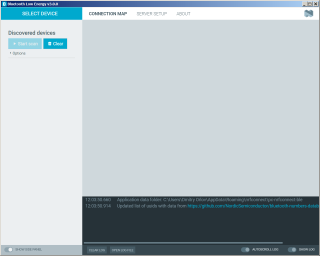
What to do? On the other computer with Win10 it works

Parents
  • Thanks. But how I can install previous version of the Connect desktop and applications? I try to download previous version, but I can't install previous version of the Bluetooth Low Energy and Power Profiler (and also all other). And related question. Is there way to offline install these tools? I mean download some package and install it without Internet.

    And other question. Do you have protocol description for PPK2? I want to made my own software for it, but I found only source code for Power Profiler that is not so clear for me.

Reply
  • Thanks. But how I can install previous version of the Connect desktop and applications? I try to download previous version, but I can't install previous version of the Bluetooth Low Energy and Power Profiler (and also all other). And related question. Is there way to offline install these tools? I mean download some package and install it without Internet.

    And other question. Do you have protocol description for PPK2? I want to made my own software for it, but I found only source code for Power Profiler that is not so clear for me.

Children
No Data
Related