On Windows 7 64 after update to 3.8 (and 3.9) nRF Connect for Desktop the Bluetooth Low Energy and Power Profiler can't find device nRF52840-Dongle and PPK2.
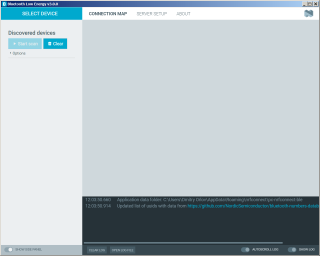
What to do? On the other computer with Win10 it works
On Windows 7 64 after update to 3.8 (and 3.9) nRF Connect for Desktop the Bluetooth Low Energy and Power Profiler can't find device nRF52840-Dongle and PPK2.

What to do? On the other computer with Win10 it works
Regards,
Swathy
Regards,
Swathy
At the stage "Add source" I got error
Unable to download apps list: Unable to download http://developer.nordicsemi.com/.pc-tools/nrfconnect-apps/3.7-apps/apps.json: net::ERR_CONNECTION_RESET. If you are using a proxy server, you may need to configure it as described on https://github.com/NordicSemiconductor/pc-nrfconnect-launcher
And also direct click on the URL
Hi Dimitri,
Sorry to keep you waiting.. I tried this myself both in my work PC and in my personal laptop and was able to do it without any error.. Perhaps you could try uninstalling nRF Connect for desktop once more and try installing Version 3.7.1 again? I am not sure what is causing this error and have raised the question internally. I will get back to you as soon as we figure it out.. In the meantime, kindly let me know if uninstalling and installing it again and then following the steps mentioned below helps.
Regards,
Swathy