This discussion has been locked.
You can no longer post new replies to this discussion. If you have a question you can start a new discussion

nRF Connect cannot detect any devices on VM

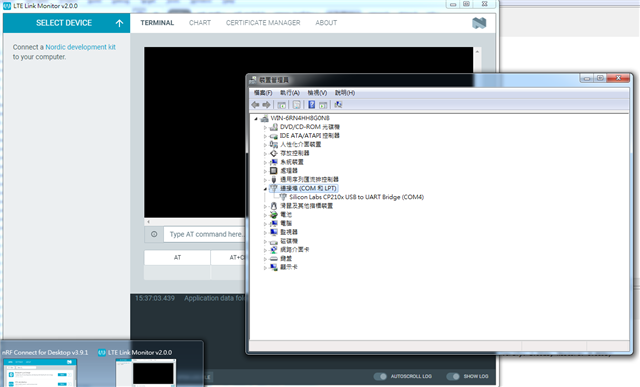
nRF Connect for Desktop cannot find any devices from the SELECT DEVICE tab in LTE Link monitor or Bluetooth Low Energy app. 

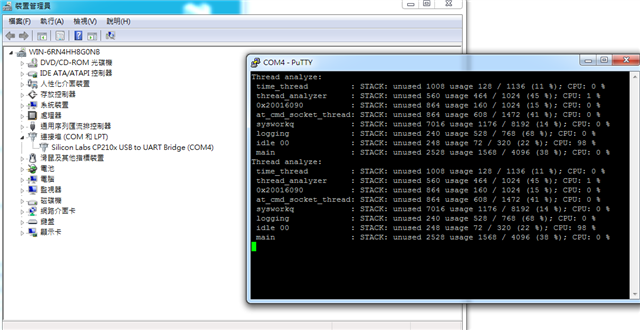
The device can be found on Device Manager and connect through putty serial port.

I have tried not ticking the "Show only supported devices" but still not working.
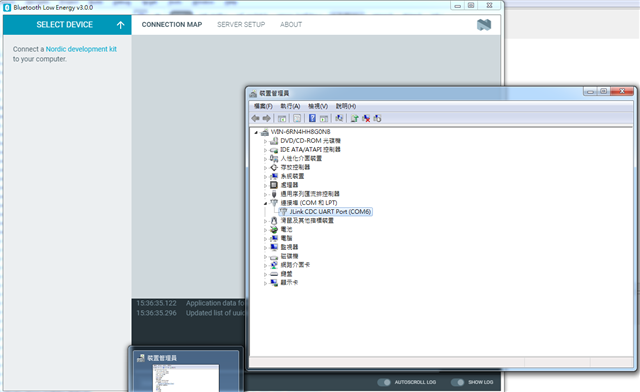
Any suggestions is appreciated.

Updates:

- It does not work on Windows 7 and Windows 10 VM

  • Hi,

    Could you please provide more information on which board you are using? 

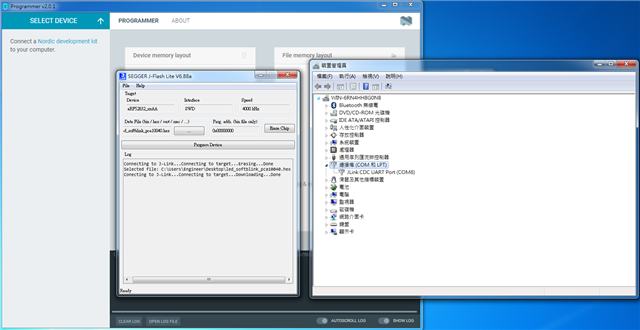
    Can you see the board using Programmer application? Have you tried to program the board? 

    I suggest you to try to connect to only one board at the time and be sure that it is one of the Nordic Semiconductor boards. In addition, make sure that power on the board is ON. If you are using Visual Studio Code, make sure that you are connected to the board.

    Best regards,

    Dejan

  • ''' Could you please provide more information on which board you are using? 

    Here is my environment:

     - nRF52DK_nRF52832(1) & Sparkfun nRF9160 Thing Plus + JLink EDU(2)

    - Windows 7 64bit Virtual Machine

    - nRF Connect for Desktop v3.9.1

    - Segger J-Link v6.88a

    ''' Can you see the board using Programmer application?

    No.

    ''' Have you tried to program the board? 

    Yes. I can program my board using J-Flash Lite

    ''' I suggest you to try to connect to only one board at the time and be sure that it is one of the Nordic Semiconductor boards.

    Yes. I connect either (1) or (2) only.

  • Hi,

    You are using virtual machine with Windows 7 in your setup, I suggest that you create a new virtual machine using Windows 10. You could also try to connect with some other physical machine which runs Windows 10, if you have such a machine available. In addition, note that nRF connect for Desktop recognizes only Nordic development kits.

    Best regards,

    Dejan

  • So, nRF Connect SDK does not support Windows 7 or is it a bug? Is it possible if I ask you to test the issue?

    I have tried open an issue but there is an message.

    Please use the [Nordic DevZone](http://devzone.nordicsemi.com) portal to report bugs, questions or feedback in general. If you would like to suggest code changes, feel free to submit a pull request.

  • Hi,

    Support for Windows 7 is discontinued. Testing on our side is done using Windows 10 with nRF Connect SDK. 

    Best regards,

    Dejan

Related