This discussion has been locked.
You can no longer post new replies to this discussion. If you have a question you can start a new discussion

nRF Connect cannot detect any devices on VM

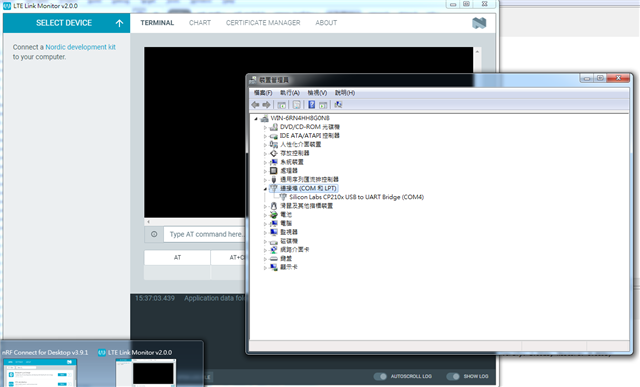
nRF Connect for Desktop cannot find any devices from the SELECT DEVICE tab in LTE Link monitor or Bluetooth Low Energy app. 

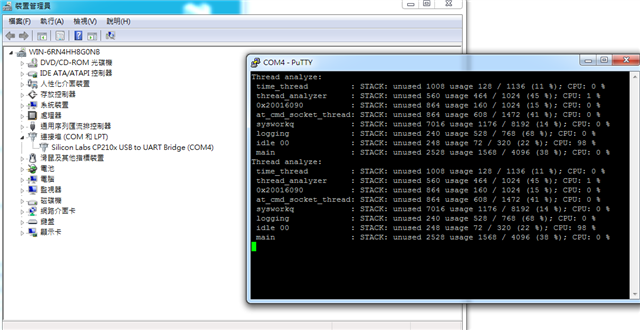
The device can be found on Device Manager and connect through putty serial port.

I have tried not ticking the "Show only supported devices" but still not working.
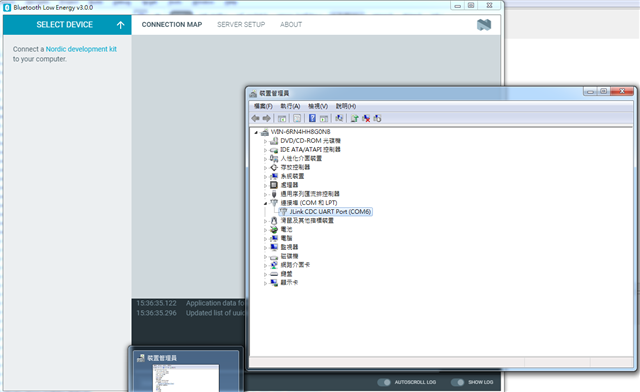
Any suggestions is appreciated.

Updates:

- It does not work on Windows 7 and Windows 10 VM

Parents
  • Hi,

    Could you please provide more information on which board you are using? 

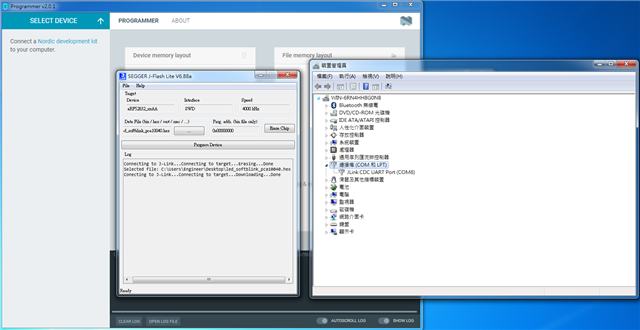
    Can you see the board using Programmer application? Have you tried to program the board? 

    I suggest you to try to connect to only one board at the time and be sure that it is one of the Nordic Semiconductor boards. In addition, make sure that power on the board is ON. If you are using Visual Studio Code, make sure that you are connected to the board.

    Best regards,

    Dejan

  • ''' Could you please provide more information on which board you are using? 

    Here is my environment:

     - nRF52DK_nRF52832(1) & Sparkfun nRF9160 Thing Plus + JLink EDU(2)

    - Windows 7 64bit Virtual Machine

    - nRF Connect for Desktop v3.9.1

    - Segger J-Link v6.88a

    ''' Can you see the board using Programmer application?

    No.

    ''' Have you tried to program the board? 

    Yes. I can program my board using J-Flash Lite

    ''' I suggest you to try to connect to only one board at the time and be sure that it is one of the Nordic Semiconductor boards.

    Yes. I connect either (1) or (2) only.

  • The fact is that ncs does not work on Windows 10 VM neither.

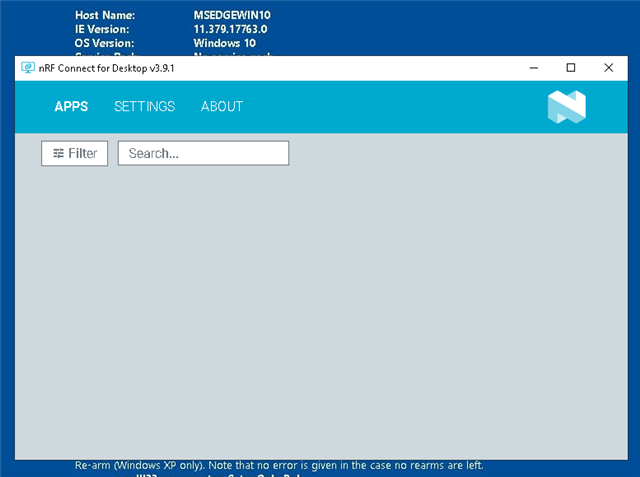
    I have tried v3.9.1 and 3.7.1 but no any error message.

    In v3.5.0, there is an error message.

    Unable to load apps: Unable to parse C:\Users\IEUser.nrfconnect-apps\apps.json: Unexpected token  in JSON at position 0

  • Hi,

    What is your host operating system on which you run your VM?
    Can you run NCS on your physical machine successfully?

    Best regards,

    Dejan 

  • ''What is your host operating system on which you run your VM?

    Can you run NCS on your physical machine successfully?

    Yes. I can run NCS on my physical machine which is a Windows 10.

    The reason why I want to develop the firmware using VM is because VM is much simpler to clone and backup than a host system. It is also invulnerable to virus because VM can revert back to previous snapshot.

  • Hi,

    Could you please try to access the link below using your web browser in the VM?
    raw.githubusercontent.com/.../apps.json

    Best regards,

    Dejan

  • Update: V3.9.2 works in Windows 10. It is released 10 hours ago.

    Thank you for the reply.

Reply Children
No Data
Related