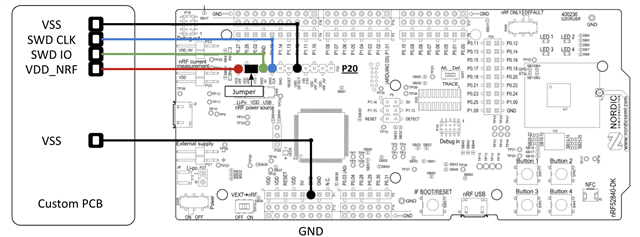
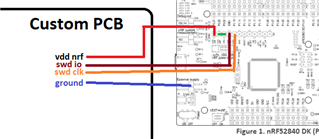
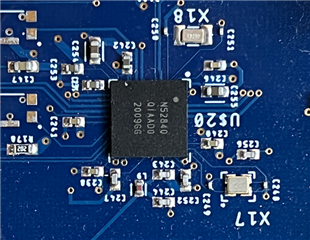
While trying to debug some issues with my board I accidentally programmed by custom board while powering it with only 3V and now whenever I try programming it I get the following error:
Downloading ‘ble_app_blinky_pca10056_s140.elf’ to J-Link
Programming 22.9 KB of addresses 00027000 — 0002cbe7
Programming 0.1 KB of addresses 0002cbe8 — 0002cc63
J-Link: Flash download: Bank 0 @ 0x00000000: Skipped. Contents already match
Download successful
Connecting ‘J-Link’ using ‘USB’
Connecting to target using SWD
Loaded C:/Program Files/SEGGER/SEGGER Embedded Studio for ARM 4.12/bin/JLink_x64.dll
Firmware Version: J-Link OB-SAM3U128-V2-NordicSemi compiled Dec  3 2021 15:41:28
DLL Version: 6.40`
Hardware Version: V1.00
Target Voltage: 3.300
Device "NRF52840_XXAA" selected.
connect failed
Failed to connect to target.
No idcode detected.
Please check connection and Target Interface Type
and by "it" I mean 3/5 of my boards - I had to repeat the mistake a couple of times to REALLY realize I was being dumb. Is there a way to fix this error? I've tried pulling nrf_reset while the chip is turning on and it doesn't seem to do anything ...
Ryan