

Hi,
When using RTT for debugging on the nRF5340, after every flash i have to press the following button:

Then every time i get presented with the following dialog:
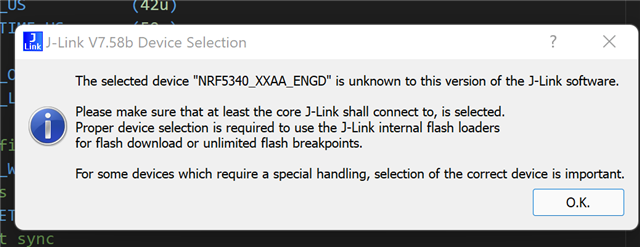
Then followed by:
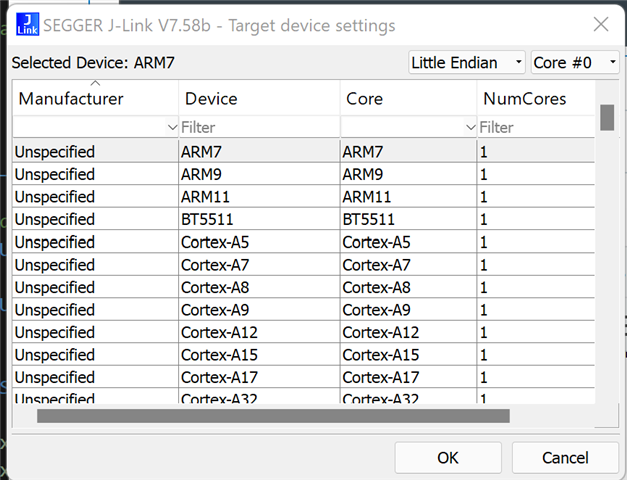
Where i have to manually find and choose the correct part
This can be very time consuming as i have to do it again after everytime i flash the part during debug
How can i set VS Code/JLink tools to automatically select the part so the RTT will work as soon as i press the button?
Also, how do we clear the contents of the nRF Terminal if we want to start afresh? I cannot find a clear option anywhere (and under windows the copy/paste does not work from the nRF terminal)
Many thanks
