Hello,
I am running windows 10 and started the DevAcademy lesson 1, exercise 1 and exercise 2.
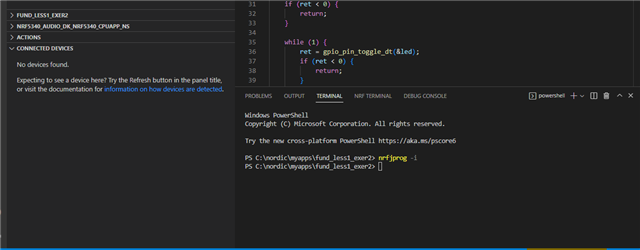
Up to exercise 2 item 4 (add a build configuration) everything went fine. In VS code I build the blinky application in fund_less1_exer2 application for NRF5340 DK (board ID nrf5340_nrf5340_cpuapp_ns). The main.c program is visible, and the terminal panel fits the course material.
At point 5 I have connected the board with an USB cable and switched it on.
The problem:
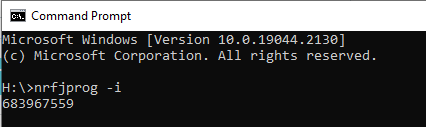
I don’t see the board in the Connected Devices View in the nRF connect for VS Code extension. It says: No devices found.
The board is new (august 2022) and never used before. I checked the battery, replaced the usb cable. No reaction when pushing the buttons on the board. No LED lights either.
I have restarted my laptop, but still ‘No devices found’
In the explorer window (windows 10) I only see my own memory stick as G: drive.
In C:\Program Files (x86)\SEGGER\Jlink there is a folder USBDriver.
I am stuck, can you help me further?