MPU6050 nRF Connect example printf

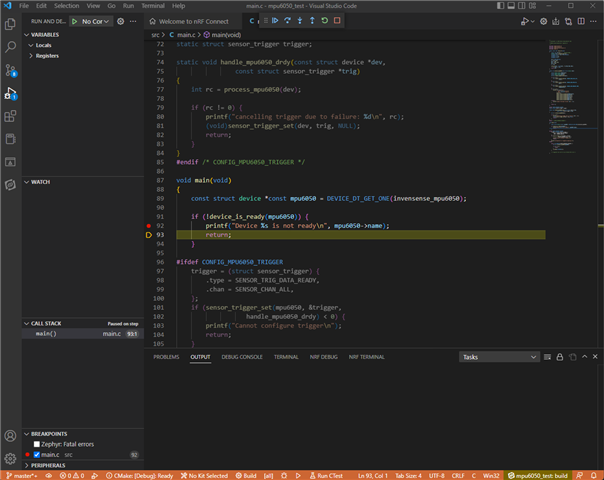
Where did the text from this printf go? Which window or tab shows the stdio output? Or do I have to do something in the example's configuration to turn it on?
Parents Reply
  • The exercise-1-4 link seems to imply that the examples won't work as written - that you have to replace the printf calls with printk calls. Is that true? If so, why doesn't the project include a header file that simply redefines printf to be named whatever the console function wants?

    Also, the Segger RTT version of printf supports %f floating point and I see printk does not. In the case of Segger, there is an SES project flag you can set to turn on floating support. Is there such a flag in the nRF Connect project?

Children
No Data
Related