Where did the text from this printf go? Which window or tab shows the stdio output? Or do I have to do something in the example's configuration to turn it on?
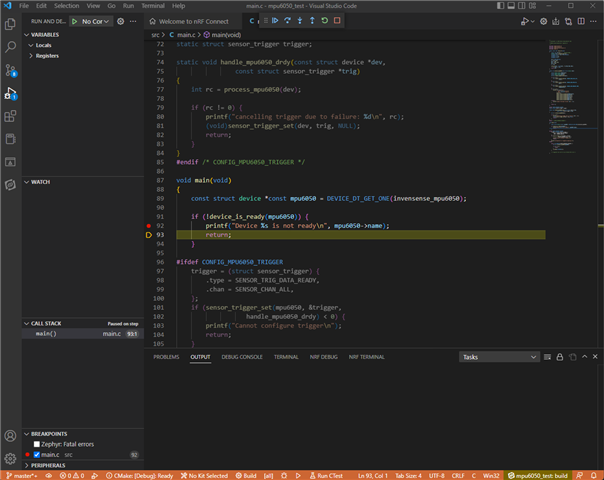
Where did the text from this printf go? Which window or tab shows the stdio output? Or do I have to do something in the example's configuration to turn it on?

Hello,
I suggest to check out the devacademy, I believe in specific exercise 4-1 show this:
https://academy.nordicsemi.com/topic/exercise-1-4/
I recommend to start from the beginning if you haven't already:
https://academy.nordicsemi.com/courses/nrf-connect-sdk-fundamentals/
A tip: It's possible to download a terminal window (e.g. teraterm or putty) to have a window open instead of using the nRF Terminal in VS code.
Kenneth
My application makes other use of the UART, so I can't use it for debugging. Previously, I used the Segger RTT function that pipes logging info over the JTAG. I see that nRF Connect supports RTT too so I think I'm good.