Hello,
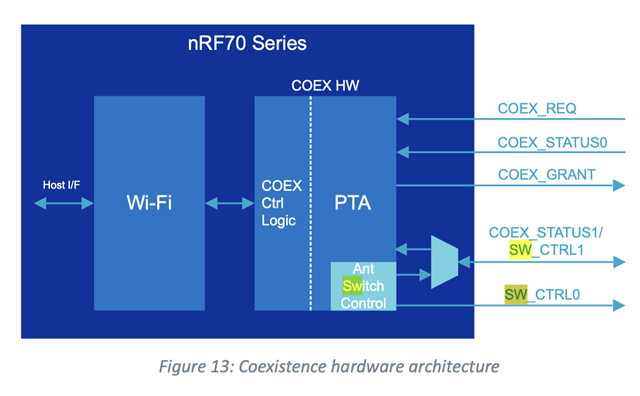
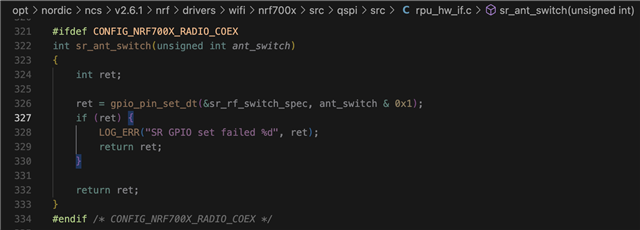
When we try to run the standard radio tests for bluetooth, we get really low power compared to what is expected (difference of about 32db). Turns out SW_CTRL0 was driving high by default even though there is no WiFi connection and we are not operating Wifi tests simultaneously (although CONFIG_NRF700X_RADIO_TEST is enabled).
From the nRF7002 v1.2 spec, page 23 has a note saying:
In that case, how can we switch SW_CTRL0 to low for the bluetooth tests?