1. Create nRF Connect SDK-based Zephyr freestanding application and work on it for a while but don't push git to any remote.
2. Convert project to Zephyr workspace application managed by west tool, managing nRF SDK this way.
3. Open project in VS Code with nRF Connect SDK, plugin correctly identifies west-managed application, building works etc.
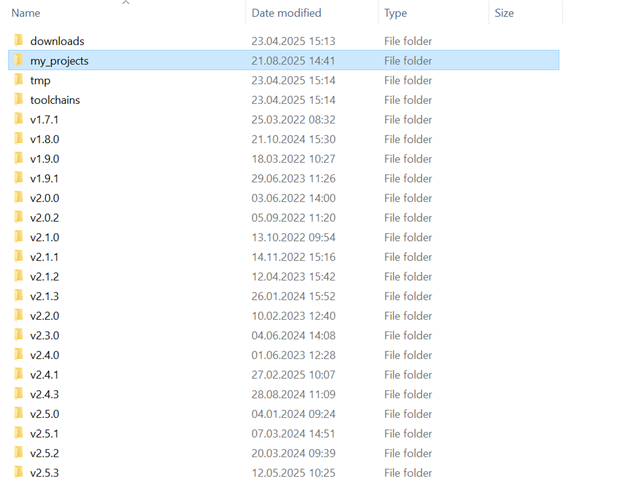
4. Play with SDK versions and carelessly click Uninstall SDK from nRF Connect SDK VS Code plugin gui.
5. Watch your entire west workspace (with SDK but first and foremost all of your code) deleted from filesystem.
I managed to recover all of my code except one .doc from filesystem, but let this post serve as dire warming - never ever let nRF Connect SDK VS Code plugin manage your SDKs and toolchains. Do everything using nrfutil/west.
When SDK is part of west workspace, VS Code plugin should be forbidden from deleting it, this UI options should not be available at all.