Request for Support Regarding Neuton Function Interfaces and Feature Extraction Workflow in ai.lab.nordicsemi.com

Hello,

While working with ai.lab.nordicsemi.com and the Neuton library, I encountered several limitations related to the feature extraction workflow and the provided function interfaces. I would like to request clarification and possible support.

In my project, I already have a custom feature extraction algorithm that is optimized for my specific application and significantly improves performance. Therefore, I prefer not to use the built-in feature extraction pipeline provided by the model. Instead, I would like to use pre-extracted feature data for model training or inference. This would also minimize changes to my existing codebase, as I would only need to pass the extracted features directly to the model.

However, I am facing the following issues:

  1. The Neuton functions are provided as a static .a library (e.g., libnrf_edgeai_cortex-m4.a). The function prototypes cannot be modified, which makes it difficult to adapt the interface to fit a custom feature extraction pipeline.

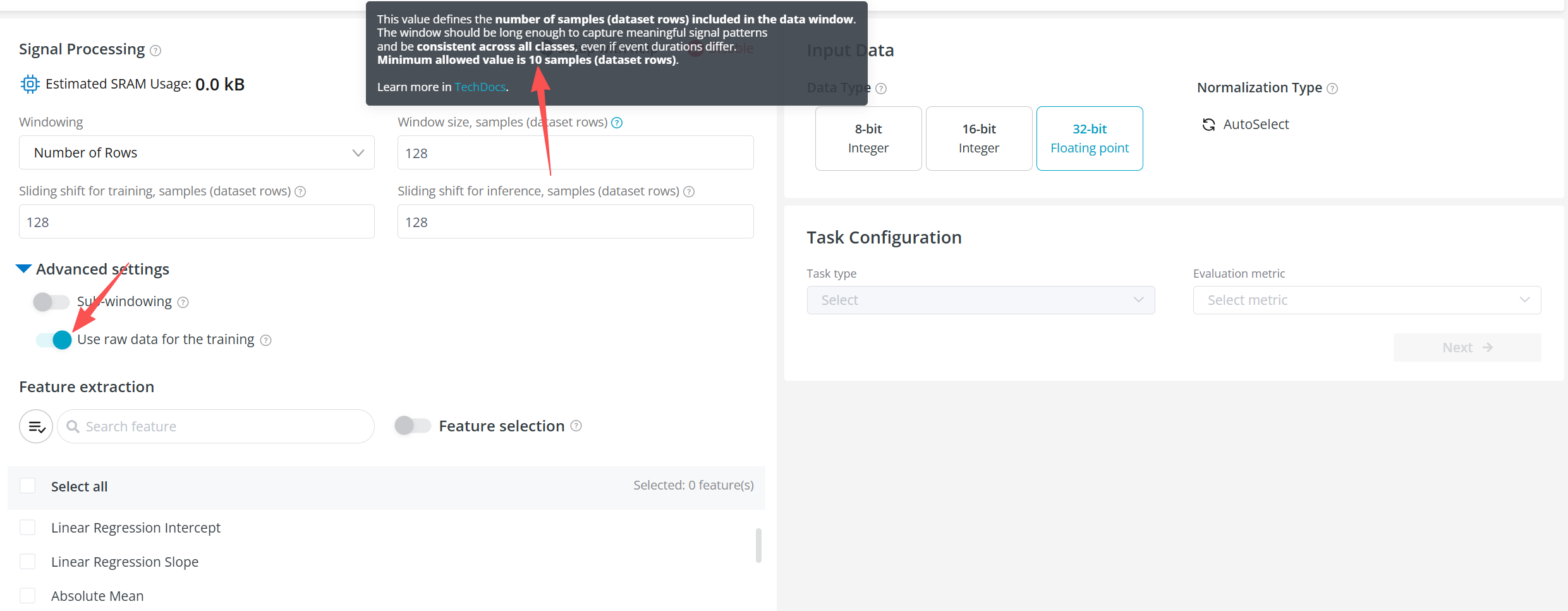
  2. On ai.lab, it appears that training must go through the platform’s built-in feature extraction workflow. When selecting “Use raw data for the training” in Advanced Settings, there is a constraint that the minimum window size must be greater than 10 rows. This does not align with my current setup, where feature extraction has already been completed and the data structure differs from raw time-series input.

Based on this, I would like to ask:

  1. Is it possible to expose more configurable interfaces in the .a library, or provide a customizable version that allows developers to adapt the function interfaces to their project requirements?

  2. Could ai.lab provide an option to upload and train models using externally extracted feature data, instead of requiring the use of the built-in feature extraction pipeline?

If there are existing solutions, recommended approaches, or workarounds to achieve this, I would greatly appreciate your guidance.

Thank you for your support.

Parents
  • (updated)

    Hi Jarvis, 

    You can upload a CSV dataset where each column already represents an extracted feature, define your target column, and proceed directly to model training without relying on the built-in windowing and feature extraction steps (signal processing step). Keep in mind that on the device, you should keep the same feature order as columns in your dataset when feeding it to the library.

    Regards,
    Amanda H.

  • Hi ,

    Thank you for the previous response. However, I believe the core of my issue might not have been fully addressed, so I would like to provide more specific details about the obstacle I am facing.

    My Data Format:
    The CSV file I am uploading is not raw sensor data. It contains data that has already undergone feature extraction using my own algorithms. The structure is as follows:

    ch1_MAV ch2_MAV ch3_MAV ch4_MAV ch5_MAV ch6_MAV ch7_MAV ch8_MAV label
    0.03153 0.008545 0.047525 0.03133 0.06221 0.012835 0.021345 0.011885 3
    0.00947 0.00284 0.017285 0.012385 0.02321 0.00473 0.008055 0.00419 5
    0.01101 0.00172 0.00907 0.00604 0.01049 0.002195 0.00313 0.002145 2
    ...
    • Each row represents an independent sample.

    • Each column represents an extracted feature.

    • The last column is the target label.

    The Problem:
    Despite uploading this pre-featurized dataset, the training configuration interface on ai.lab.nordicsemi.com appears to mandate a "Window Size" parameter. Furthermore, this value must be at least 10 (i.e., aggregating at least 10 rows into one window).

    This creates a logical conflict. For my dataset, where one row equals one sample, setting a window size of 10 forces the platform to incorrectly merge 10 distinct samples into a single new "sample" for training. This completely disrupts my data structure, makes the training process invalid, and defeats the purpose of using pre-computed features.

    My Questions:

    1. Is there a specific upload mode or configuration option on the platform to completely bypass or disable the windowing and signal processing steps when uploading a CSV where each row is already a feature vector?

    2. Is the "minimum window size of 10" a hard-coded rule for all data types? For non-time-series, pre-featurized data like mine, can this restriction be removed or circumvented?

Reply
  • Hi ,

    Thank you for the previous response. However, I believe the core of my issue might not have been fully addressed, so I would like to provide more specific details about the obstacle I am facing.

    My Data Format:
    The CSV file I am uploading is not raw sensor data. It contains data that has already undergone feature extraction using my own algorithms. The structure is as follows:

    ch1_MAV ch2_MAV ch3_MAV ch4_MAV ch5_MAV ch6_MAV ch7_MAV ch8_MAV label
    0.03153 0.008545 0.047525 0.03133 0.06221 0.012835 0.021345 0.011885 3
    0.00947 0.00284 0.017285 0.012385 0.02321 0.00473 0.008055 0.00419 5
    0.01101 0.00172 0.00907 0.00604 0.01049 0.002195 0.00313 0.002145 2
    ...
    • Each row represents an independent sample.

    • Each column represents an extracted feature.

    • The last column is the target label.

    The Problem:
    Despite uploading this pre-featurized dataset, the training configuration interface on ai.lab.nordicsemi.com appears to mandate a "Window Size" parameter. Furthermore, this value must be at least 10 (i.e., aggregating at least 10 rows into one window).

    This creates a logical conflict. For my dataset, where one row equals one sample, setting a window size of 10 forces the platform to incorrectly merge 10 distinct samples into a single new "sample" for training. This completely disrupts my data structure, makes the training process invalid, and defeats the purpose of using pre-computed features.

    My Questions:

    1. Is there a specific upload mode or configuration option on the platform to completely bypass or disable the windowing and signal processing steps when uploading a CSV where each row is already a feature vector?

    2. Is the "minimum window size of 10" a hard-coded rule for all data types? For non-time-series, pre-featurized data like mine, can this restriction be removed or circumvented?

Children
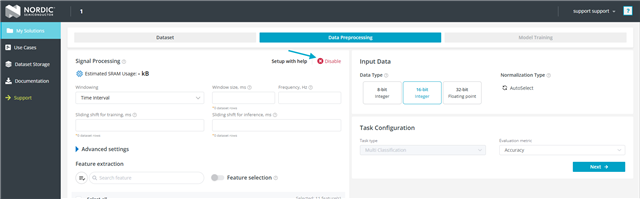
  • There is an option to disable signal processing in the data preprocessing step. Please disable it if you would like to completely bypass the signal processing stage.

    If you plan to use signal processing, please note that a minimum window size of 10 is required for the features to function properly.

  • Thank you for the previous guidance.

    However, I have encountered two new issues while using the platform, primarily related to the UI functionality. I would like to report them here:

    Issue 1: Data Preprocessing Page Cannot Be Configured
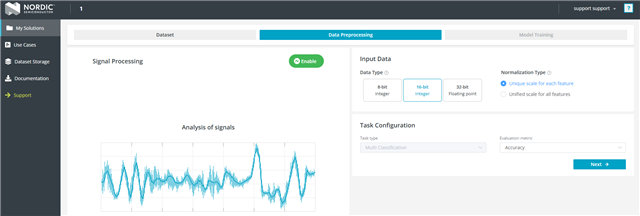
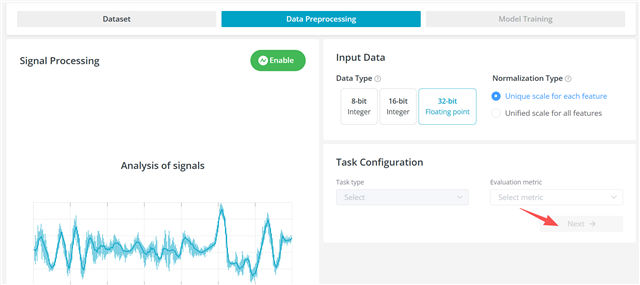
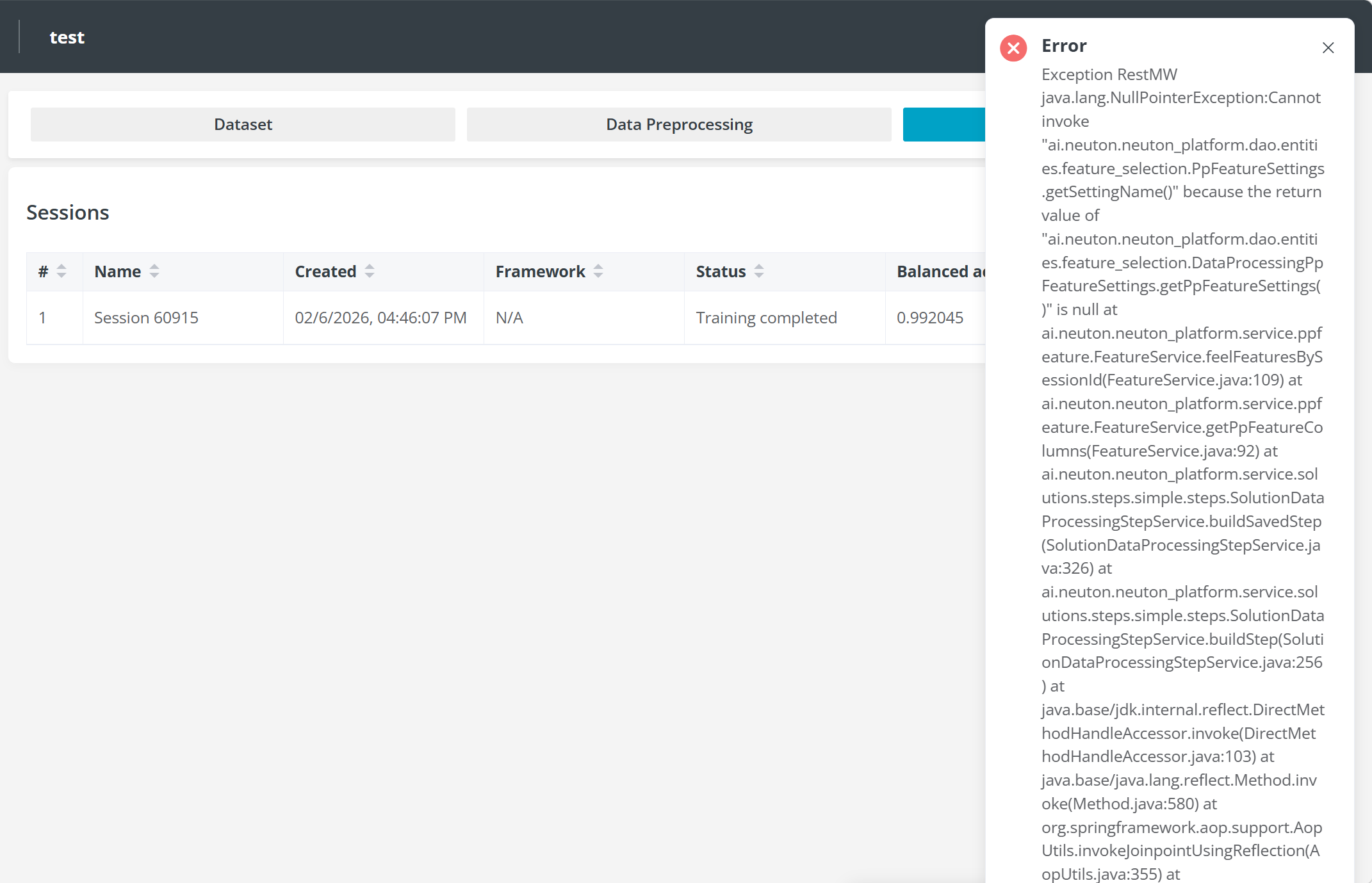
    In the Task Configuration step of the Data Preprocessing page, I am now completely unable to make any configurations or click the "Next" button to proceed. This happens on both newly created projects and previously existing ones. In the rare case where I manage to click Next on a project, an error occurs afterwards (see attached screenshot).

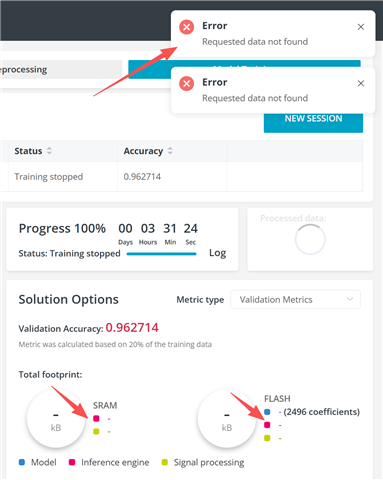
    Issue 2: SRAM/FLASH Values Not Displayed in Solution Options
    For projects that have already completed training, the SRAM and FLASH usage values that should appear in the Solution Options section (under Model Training) are now completely missing.

    I noticed that the ai.lab.nordicsemi.com website has been updated recently. Both of the issues mentioned above appeared after this update and seem to be related to it.

    Both issues are impacting the normal workflow. I hope they can be looked into and fixed. Please let me know if you need any additional information or specific project names for debugging.

    Thank you!

  • The team has recently updated the Edge AI Lab. As a result, previously created and trained solutions will no longer work since the structure of the deliverables on the platform has changed. Therefore, the team suggests that

    If users would like to receive archives of their old solutions, they should specify the Solution ID they need. The Solution ID can be found in the My Solutions tab under the solution name, as shown in the screenshot.

    To avoid any error messages in the UI, users simply need to create a new solution. New solutions will work without issues, while older ones will produce errors due to the platform changes.

  • Thank you for your reply and for explaining the recent updates to the Edge AI Lab platform. I appreciate the clarification regarding the structural changes and the suggestion to create new solutions.

    I have been able to locate the Solution ID under the My Solutions tab as you described. However, I am still not sure about the process for requesting the archive of an old solution. Could you please advise on how users should submit such a request? For example, should the Solution ID be sent through the forum, email, or another channel?

    In addition, I would like to clarify that the issue I previously reported regarding the Data Preprocessing → Task Configuration page still persists. At the moment, I am unable to configure parameters or proceed by clicking the “Next” button. This behavior occurs in both newly created projects and previously existing ones. In the rare cases when the Next button works, an error appears afterward.

    Since this issue appeared after the recent platform update, I wanted to confirm whether it might be related to the update or if there is any recommended workaround.

    If needed, I would be happy to provide specific Solution IDs, project names, or additional screenshots to help with debugging.

    Thank you again for your support.

  • Could you provide the solution IDs that need to be downloaded for you? The team can then send the corresponding archives via email. 

    Could you also specify which solution IDs cannot be processed, along with a screenshot of the blocked "Next" button?

    Were the solutions that cannot be processed created by copying another solution, or not? Also, which browser are you using?

Related