I am trying to use nrfsniffer to debug connection related issues.
We have a ble connection between central and peripheral and we are sending status updates to the peripheral fro the central at a rate of about 1 per second.
We have issues with the conenction and connection is regularly dropped and rebuilt. I can run this test walking arounf out side for say an hour and I regularly see the central indicating connection loss and connection being rebuilt.
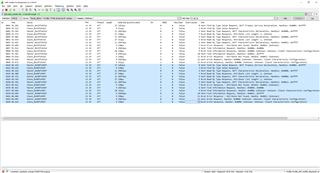
If I try and trace this with wireshark and nrf52 dk I see all the packets from the first period of connection; but on the subsequent reconnections I only see the connection req/ind from the central; I do not see the complete trace of packets between the central and peripheral.
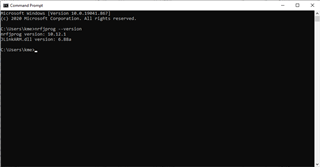
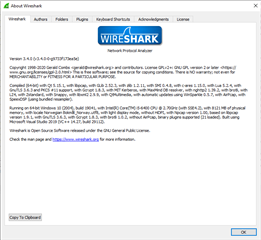
I am using wireshark 3.4.4 and nrf_sniffer_for_bluetooth_le_3.1.0_7cc811f.
We are seeing large gaps in the status update received by the peripheral and we suspect this is in actuality long periods of BLE not having a valid connection; hence we wish to see complete traces over these connect/disconnect cycles to try and debug the problems.
Or is snrfsniffer and wireshark just really not up to debugging such problems?