I'm quite new to nrf.
These days I'm trying to program power efficient uart data sender over ble.
It receives uart and sends data fine.
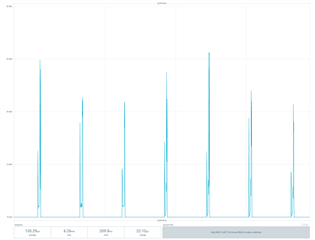
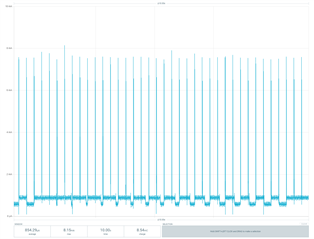
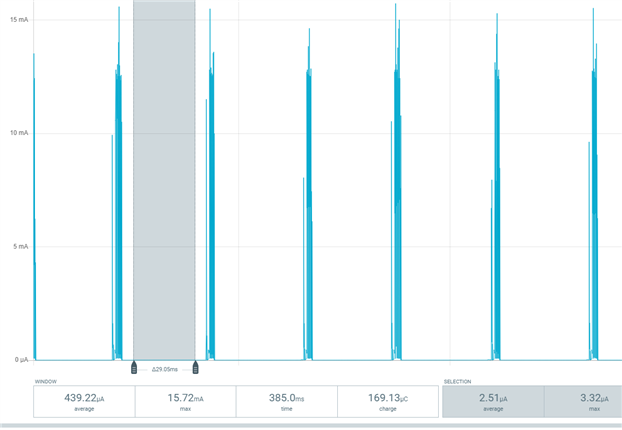
The problem is it's not going into sleep mode properly and consumes about 883uA or 544uA(DCDC mode) on idle.
But what I'm trying to understand is not just making this project into ultra low power uart data sender perfectly.
I'm trying to understand basic structure.
Even if I run ble_app_beacon example, I wonder why advertising signal repeats when the code is not in a for loop or while loop or a thread starter.
The beacon code looks like this
int main(void)
{
    // Initialize.
    log_init();
    timers_init();
    leds_init();
    power_management_init();
    ble_stack_init();
    advertising_init();

    // Start execution.
    NRF_LOG_INFO("Beacon example started.");
    advertising_start();

    // Enter main loop.
    for (;; )
    {
        idle_state_handle();
    }
}
as you can see, only the idle_state_handle is in the loop.
So when beacon app is not going into sleep mode between advertising signals,
I would imagine I'd have to look into other repeating commands like for loop or while loop but there's no such thing other than idle_state_handle which merely calls sd_app_evt_wait() so it can go to sleep mode.
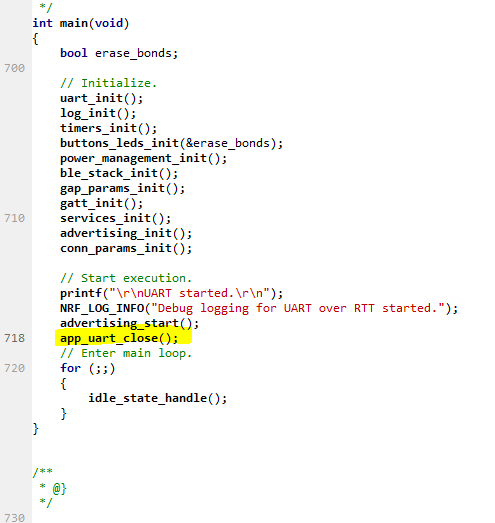
in the uart project I'm working on, when the programmed nrf52840 dongle connects to the other device over ble,
It is also programmed to send received data from arduino(UART data) to the other dongle which sends received data to usb so I can check the data in the PC
This also doesn't go to sleep in between sending uart signals.
So I would also imagine I'd have to go into uart data sending function like uart_event_handle() but there is no for,while loop in this or thread starter for that matter.
So how should I debug similar projects?
I'm guessing there must be some order that I can understand so I could pin-point which spot(code) is causing excessive power consumption
or what I have to do before putting it into sleep mode.